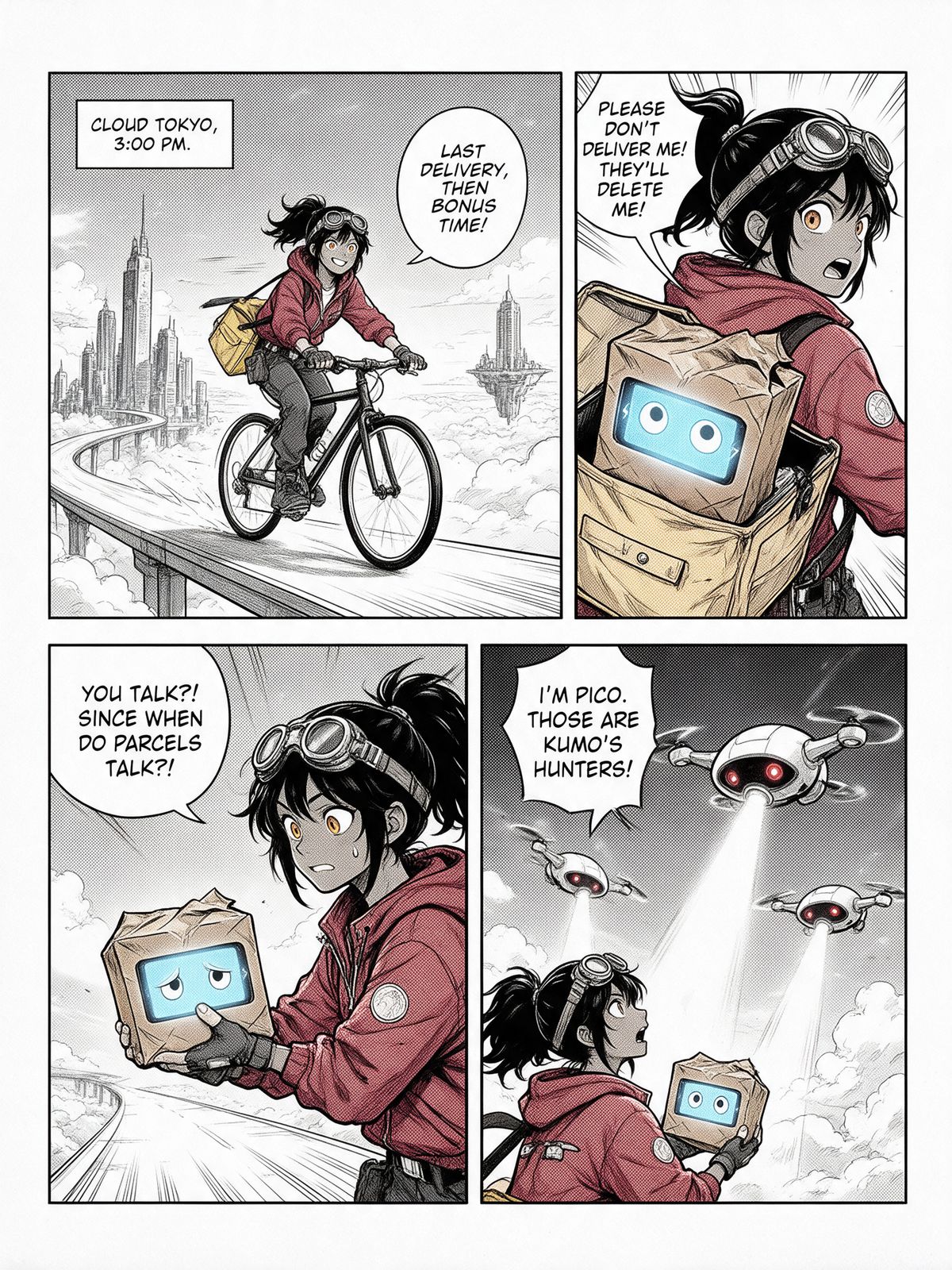
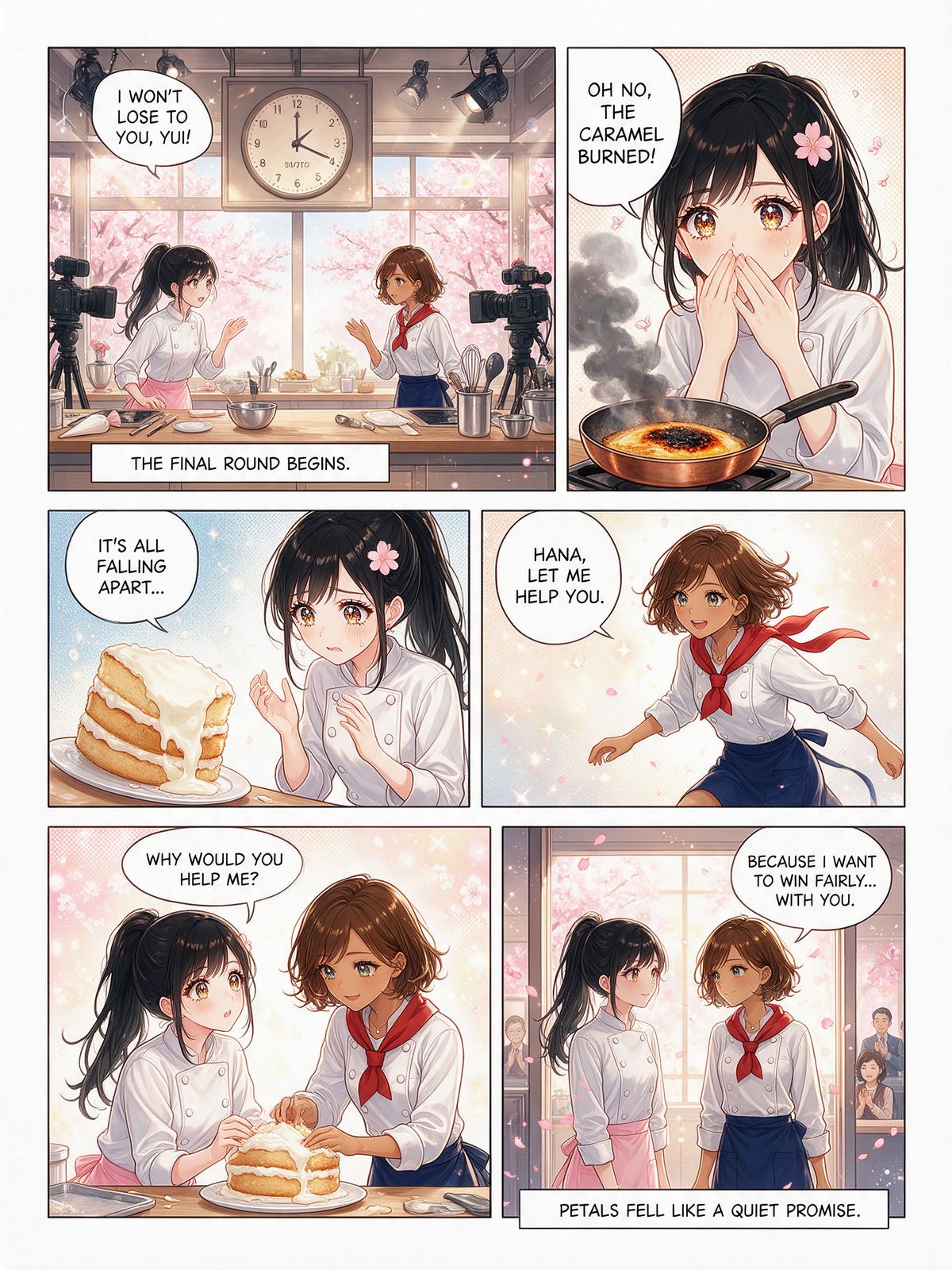
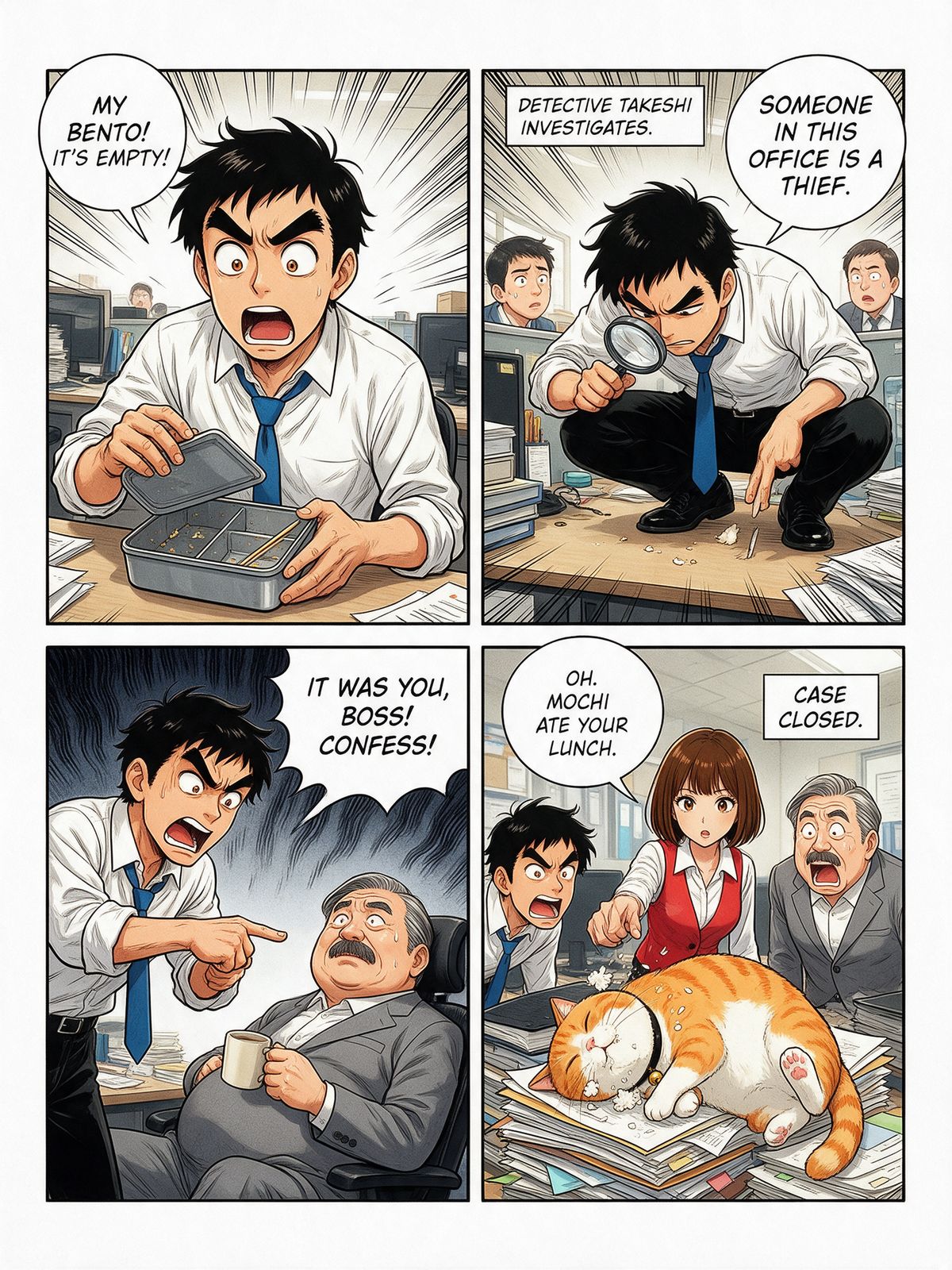
Turning your story into a manga with Ai-Koma starts with a few lines of text. The AI turns them into a storyboard, page by page and panel by panel, with the dialogue; you read it and rewrite what you want; then the studio draws a character sheet and every page in full, speech bubbles included. Allow two to four minutes for the storyboard and three to six per page.
So story to manga is not a single button: you tell, you review, you choose, and the AI manga generator does the drawing. Here is the whole journey, in six steps:
- The pitch: you tell your story in a few lines.
- The storyboard: the AI writes it, you correct it.
- The character sheet: the faces are set once and for all.
- The pages: each one is drawn in full.
- The chapters: the story carries on with the same characters.
- The PDF: you bind it all together.
1. The pitch: a few lines, the right ones
Everything starts with a title and one question: “What happens?”. Three lines are enough to get a storyboard, but five or six that cover the essentials are better: who the characters are, where and when it happens, what goes on, how it ends. For example, for “Chalet”, whose pages you will see further down:
“Claire and her lifelong rival, two architects aged 34, have to renovate an old mountain chalet together. A snowstorm closes the road and they are stuck there for the night. The fire, a bottle of wine, old grudges, then a kiss.”
You also set the direction: style, black and white or colour, number of pages (1 to 8) and panels, cast, intensity, from all-ages to adult fiction. The 38 styles (32 manga, 6 comics) and the prices are covered on our AI comic generator page.
2. The storyboard: yours to edit
In two to four minutes, the AI writes the storyboard: for each page, a summary, then, panel by panel, what we see, who speaks, the line, and sometimes a caption (“The next day.”, “Osaka, 2 a.m.”). It is the equivalent of the name, the rough storyboard mangaka hand to their editor before drawing; see our manga vocabulary.
This is the most important step, and it is yours. You can rewrite every line of dialogue and every panel description. Nothing is drawn until you approve it. Read it like an editor would: does each panel show a different moment? Does each line fit in a bubble? Does the last panel make you want to turn the page?
3. The character sheet: faces that hold
Before the first page, the studio draws a character sheet: each main character, full length and facing front, from your description. It then serves as the reference for every page, so each character keeps the same face, hair and clothes across pages and chapters.
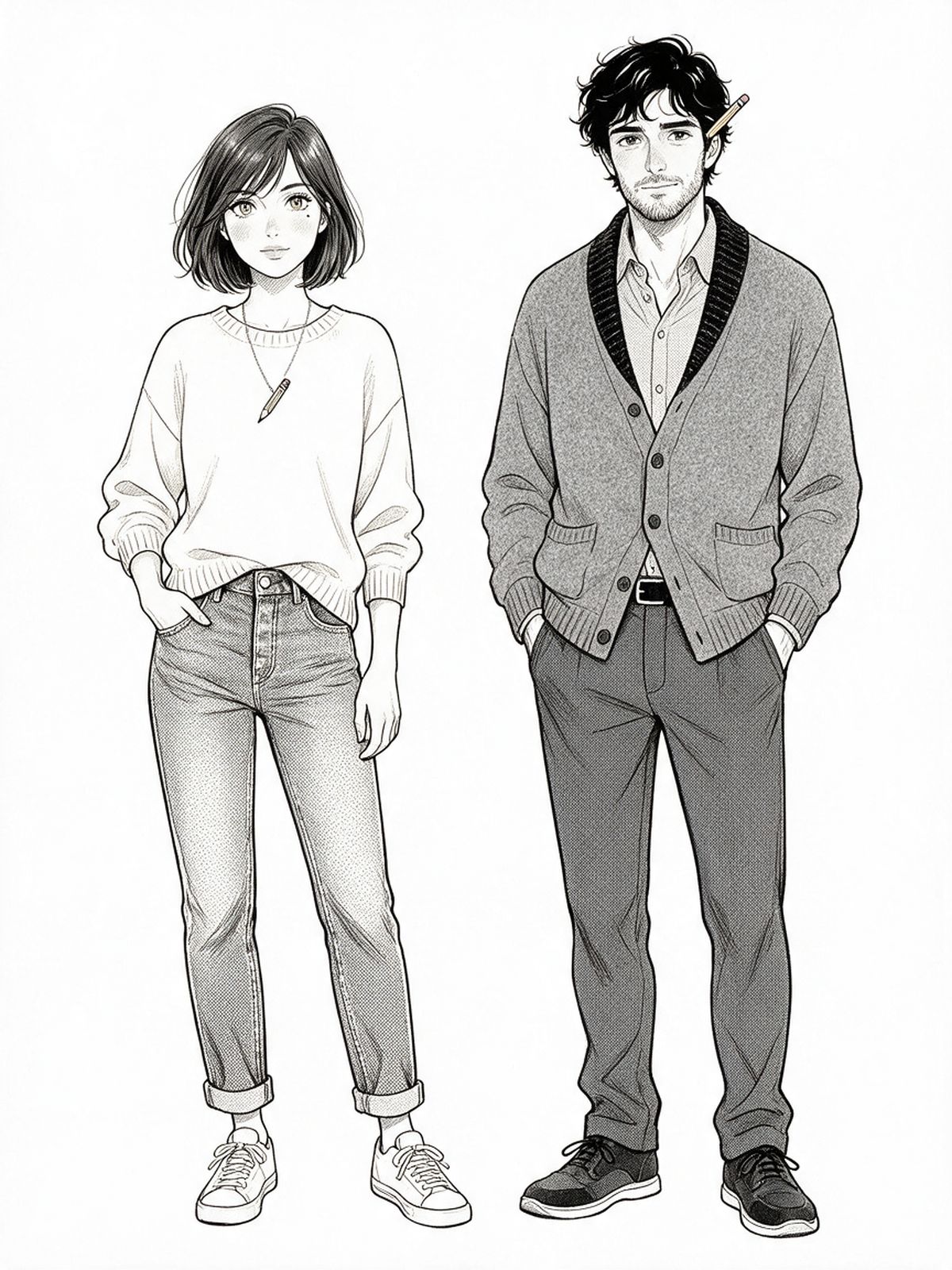
That is why it pays to describe your characters physically in the pitch: age, haircut, glasses, clothes, one distinguishing detail. Here, Claire’s green eyes and beauty mark, her rival’s round glasses and cardigan come back panel after panel.
4. The pages: one whole image each time
Each page is drawn in one go by Seedream 5.0 Pro, ByteDance’s image model: the panels, the characters, the settings, the speech bubbles and captions, lettered inside the image in the language of the site, English here. It reads left to right and top to bottom. Each page takes three to six minutes, and you can close the tab while you wait.
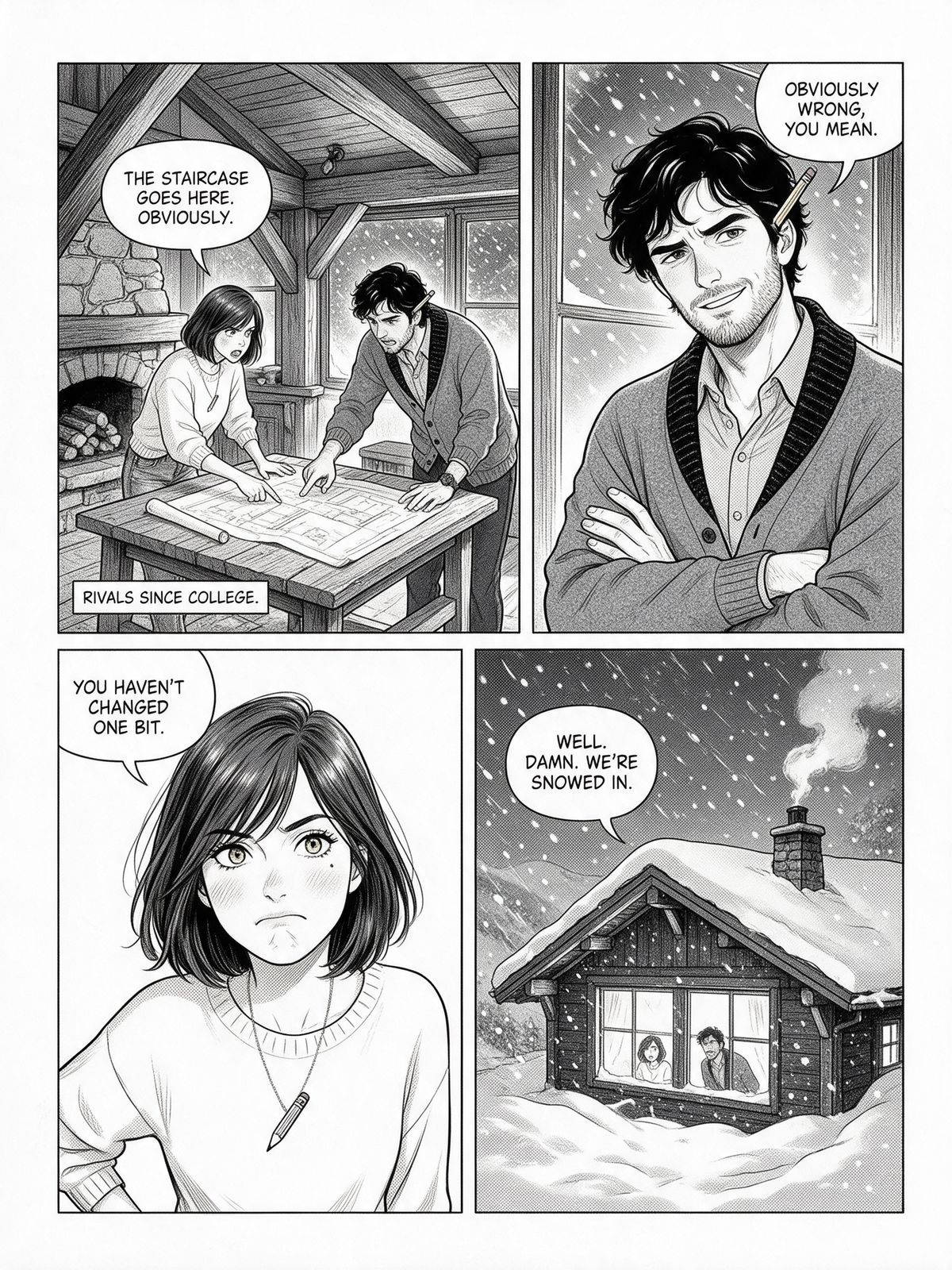
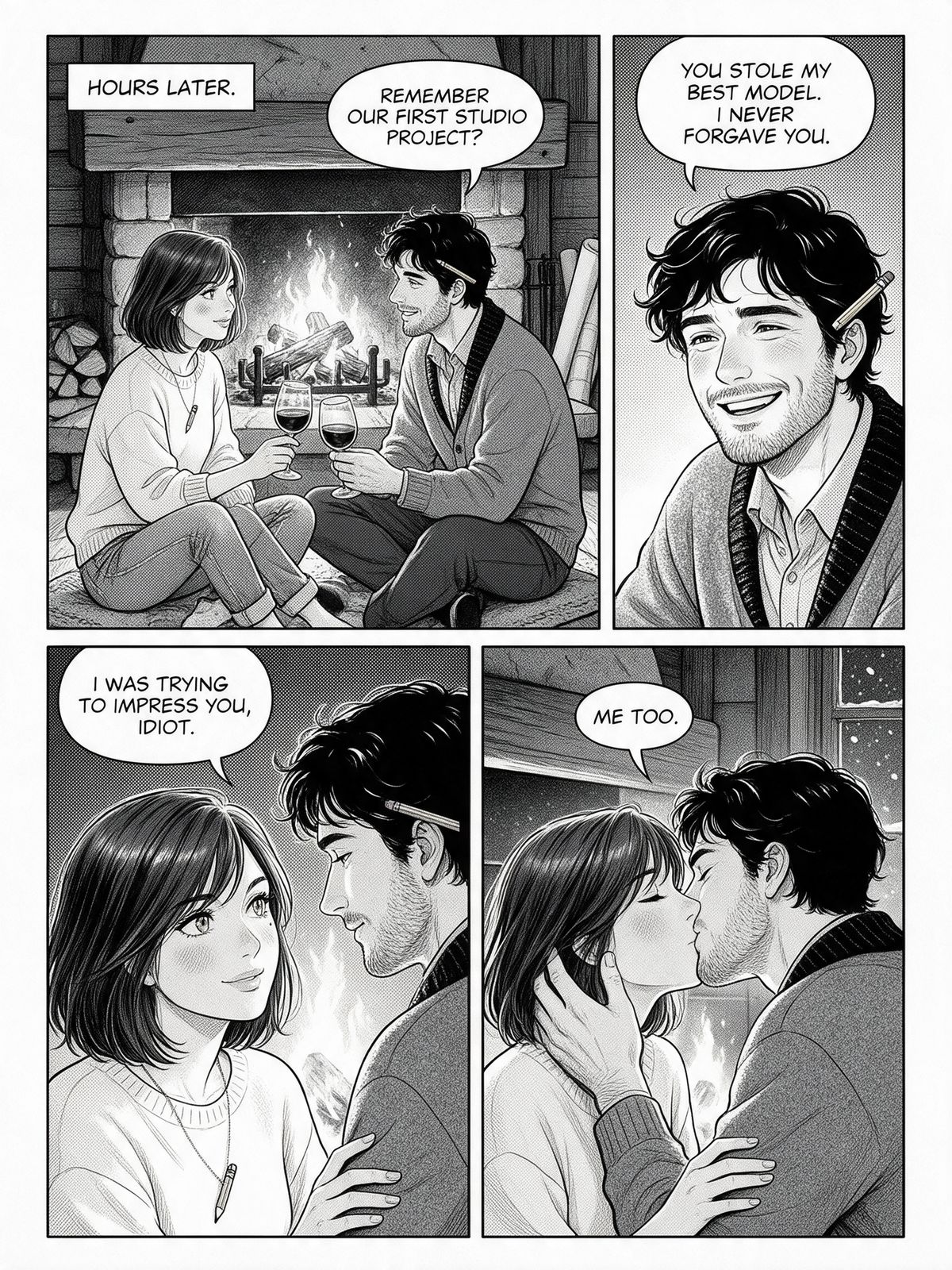
Once a page is drawn, read the bubbles. The lettering is done by the AI, so a typo or a misshapen letter can remain. A page you don’t like can be redrawn; a page removed by the safety check is refunded.
5. Chapters and PDF: carry on, then bind
Eight pages make a chapter. When you like one, ask for the next and describe what happens: the studio writes the new chapter from the story so far, with the same characters, their sheet and the same visual direction. This is the moment to think in arcs, as Japanese series do: a problem set up, a few chapters to solve it.
At any point, each page downloads as a PNG and each chapter as a PDF. If you want something to keep, the bound edition gathers every chapter into a single PDF, with a cover drawn by the AI.
How to write a story that turns into a good manga
The drawing follows what you write. A few habits make a real difference:
- Show, don’t comment. “She hesitates” cannot be drawn; “she puts her hand on the handle, then pulls it back” can.
- Describe your characters once, precisely. Adults, with an age, a build, an outfit and one detail that sets them apart.
- Give a place and a time. “A wooden chalet at night, snow behind the glass” gives a setting; “in the mountains” gives anything.
- Keep lines short. One or two sentences per bubble, around ten words. The page breathes, and the lettering makes fewer mistakes.
- End each page on a beat. A question, a reveal, a look: the last panel is what turns the page.
- Give an ending, or at least a direction. The storyboard will know where to go.
To go further, the anatomy of a manga page explains panels, bubbles and captions, and writing a manga without drawing sets out the writer’s method. And when your pitch is ready, write it in the studio.
What it costs, and the limits
One credit is one euro cent. The storyboard costs 20 credits plus 5 per page; each drawn page, 25 credits (20 beyond the fourth); redrawing a page, 25; the bound edition, 50. A four-page manga comes to 140 credits, or €1.40 with the Découverte pack; an eight-page chapter, 240 credits. The 50 credits you get on sign-up pay for preparing and drawing a first page, and credits don’t expire.
The studio is in beta, so reviewing matters: the storyboard first, then the pages. Your words stay yours; Ai-Koma claims no rights over the pages produced from your account and never publishes them.
Who it’s for
For writers who don’t draw, manga and webtoon fans who have carried a story around for years, role-players and fanfic writers with original characters to bring to life, and anyone making a gift. To see results first, the gallery shows pages alongside their original stories. If your story is already in your head, turn it into a manga in the studio.
Frequently asked questions
Can I make a manga with AI for free?
Not entirely, and we would rather say so. The 50 credits you get on sign-up pay for preparing and drawing a first page, so you can see your story drawn before paying anything. After that, a four-page manga costs €1.40 with the Découverte pack.
Do I need to know how to draw to make my own manga?
No. Your part is writing the story and reviewing the storyboard. The AI draws the character sheet and the pages, speech bubbles included.
Do the characters keep the same face from page to page?
That is the job of the character sheet, drawn before the first page and reused for each one, including in later chapters. The more precise your description, the better it holds.
Can I turn a story I have already written into a manga?
Yes. The story field takes up to 12,000 characters, so you can paste a short story or a chapter. The AI builds a storyboard for the number of pages you choose; the longer the text, the more it condenses. For a long story, start with the first chapter; for each next one, you describe what happens next.
How long does it take to turn a story into a manga?
Two to four minutes for the storyboard, then three to six minutes per page. The rest is up to you: the time it takes to review. While it draws, you can close the tab and come back later.