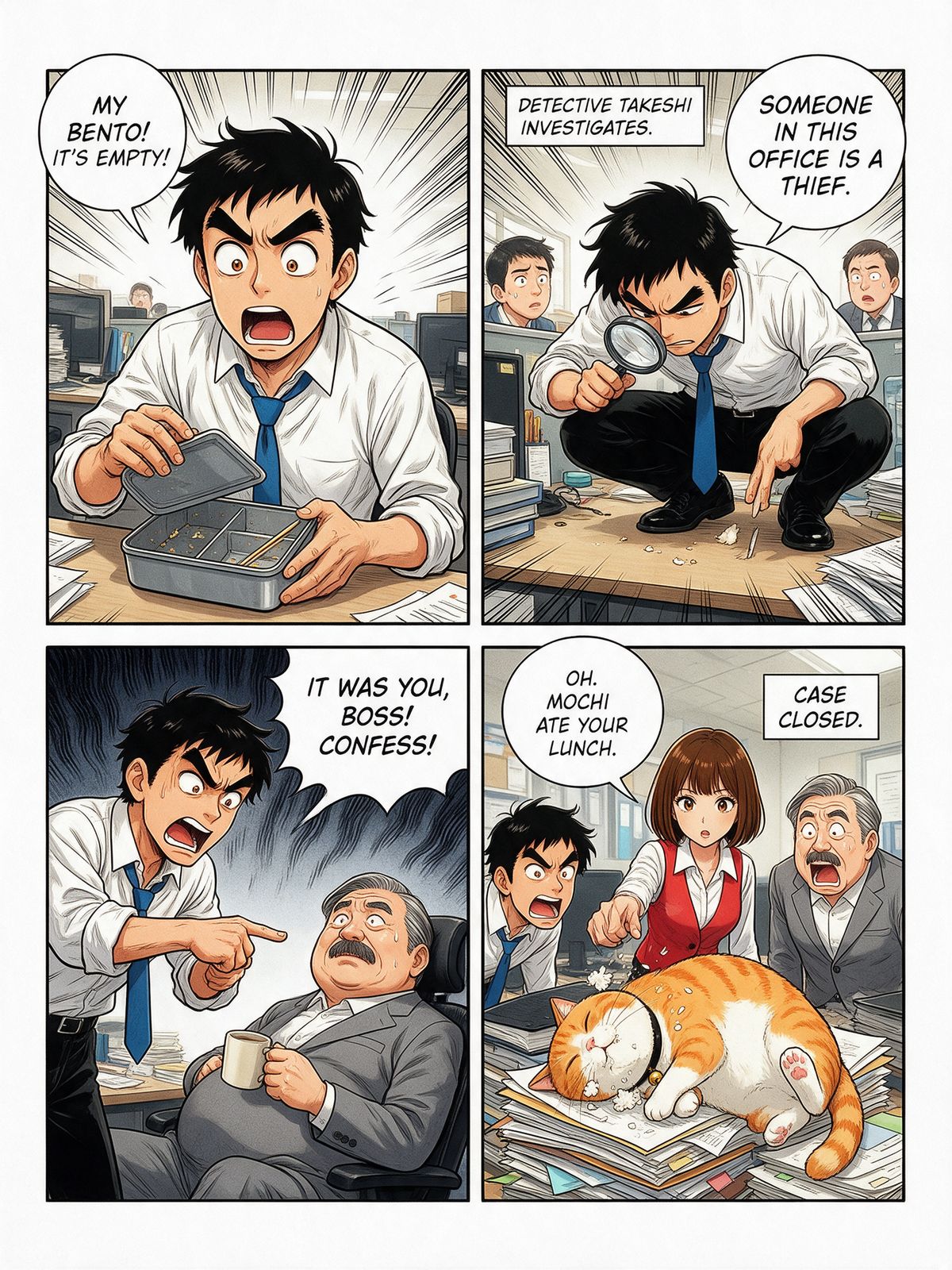
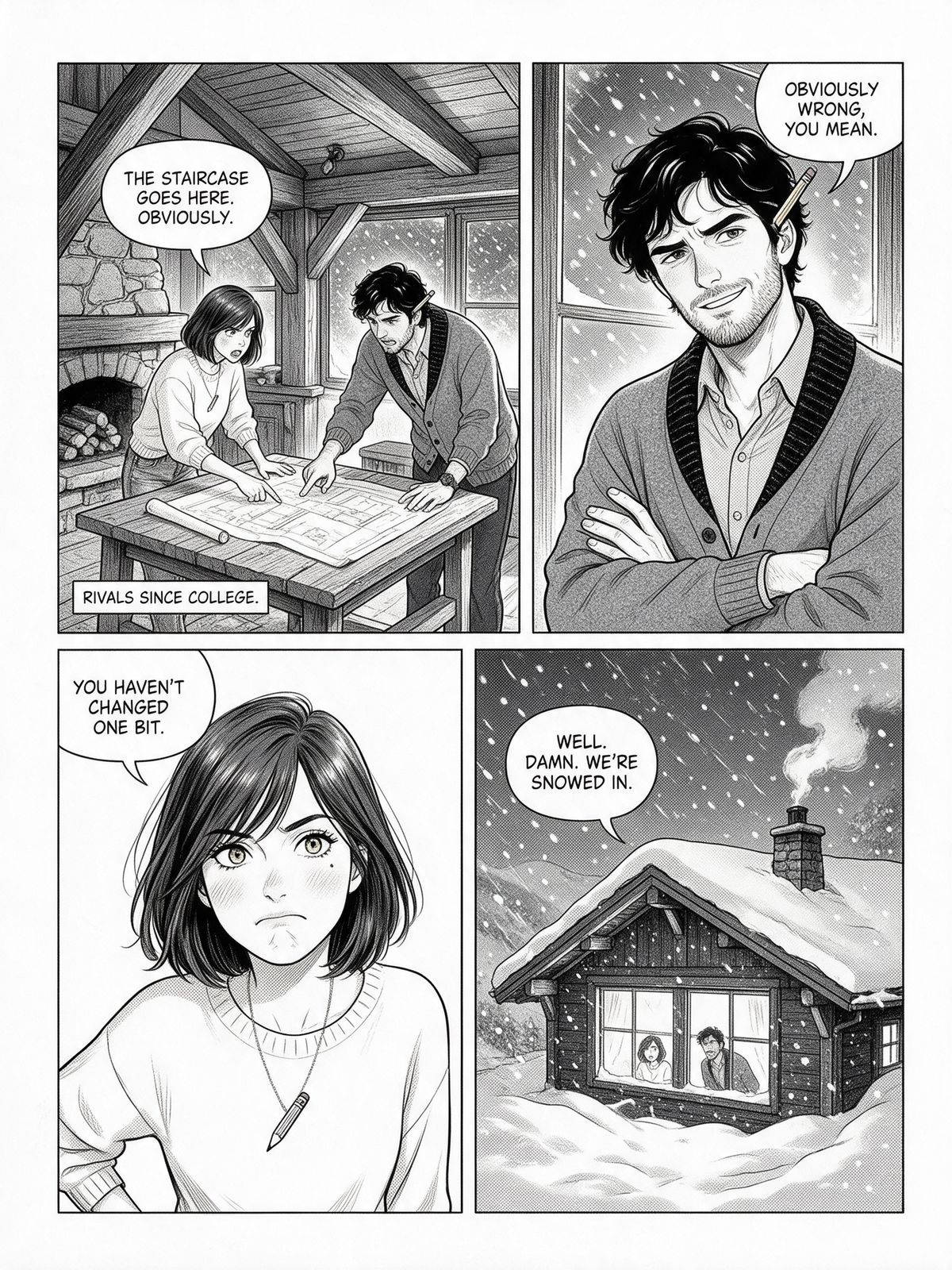
Ai-Koma can be your AI webtoon generator, with one thing worth knowing up front. A webtoon is read on a phone as one long vertical strip that you scroll; Ai-Koma draws portrait pages, each with 3, 4 or 6 bordered panels, the way a comic page is laid out. What you get is the webtoon look (clean digital lines, soft shading, full colour, contemporary characters and settings), the webtoon genres, and a series that keeps its faces from one episode to the next. How you post the pages is up to you, and the options are below.
Everything else works as it does across the studio: you write a few lines, the AI writes a panel-by-panel storyboard with the dialogue, you edit it, and each page is drawn as one image, speech bubbles lettered in English included.
The settings that give you a webtoon look
- Style: Modern webtoon. It sits in the Romance and life family and asks for clean digital lineart, soft cel shading and polished, contemporary characters and settings: the look of most romance and drama webtoons. Romantic shōjo, Slice of life, Boys’ love and Girls’ love (yuri) are close cousins if your story leans that way.
- Rendering: Colour. Webtoons are read in colour, so pick it before the storyboard. Black and white with screentones is the printed-manga look.
- Panels: 3 per page. With three, the page is made of three wide panels stacked one above the other, the layout closest to a scroll. Four or six panels make a two-column grid, better for conversations.
- Length: 4 to 8 pages. Eight pages of three panels make 24 panels, a short episode; eight pages of six, 48.
Webtoon genres that work well
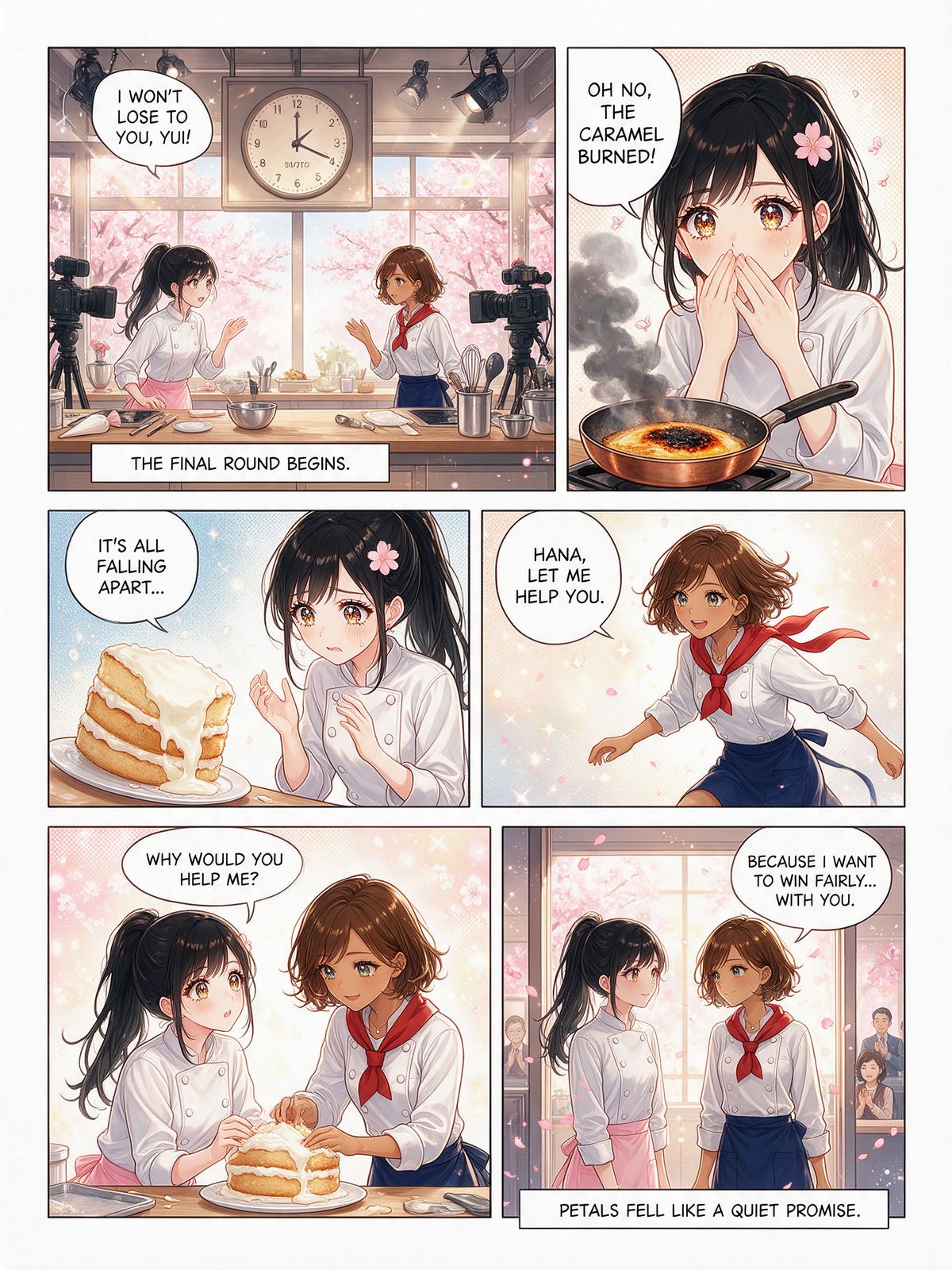
The big webtoon genres are all in the studio: romance, from office rivals to second chances; romantasy and isekai, with Epic fantasy and Isekai / another world; slice of life and comedy; action, with Shōnen adventure or Wuxia / martial arts; and mysteries. One tip that comes from how webtoons are read: an episode lasts a few minutes on a phone, so give each one a single situation and end it on a hook, a question, a reveal, a door opening.
Not sure where to start? Our manga story ideas include romance, isekai and slice-of-life prompts that make good first episodes.
From one episode to a series
A webtoon lives on regular episodes with the same cast. In Ai-Koma, an episode is a chapter:
- Episode 1. Write the premise and the first situation, edit the storyboard, let it draw.
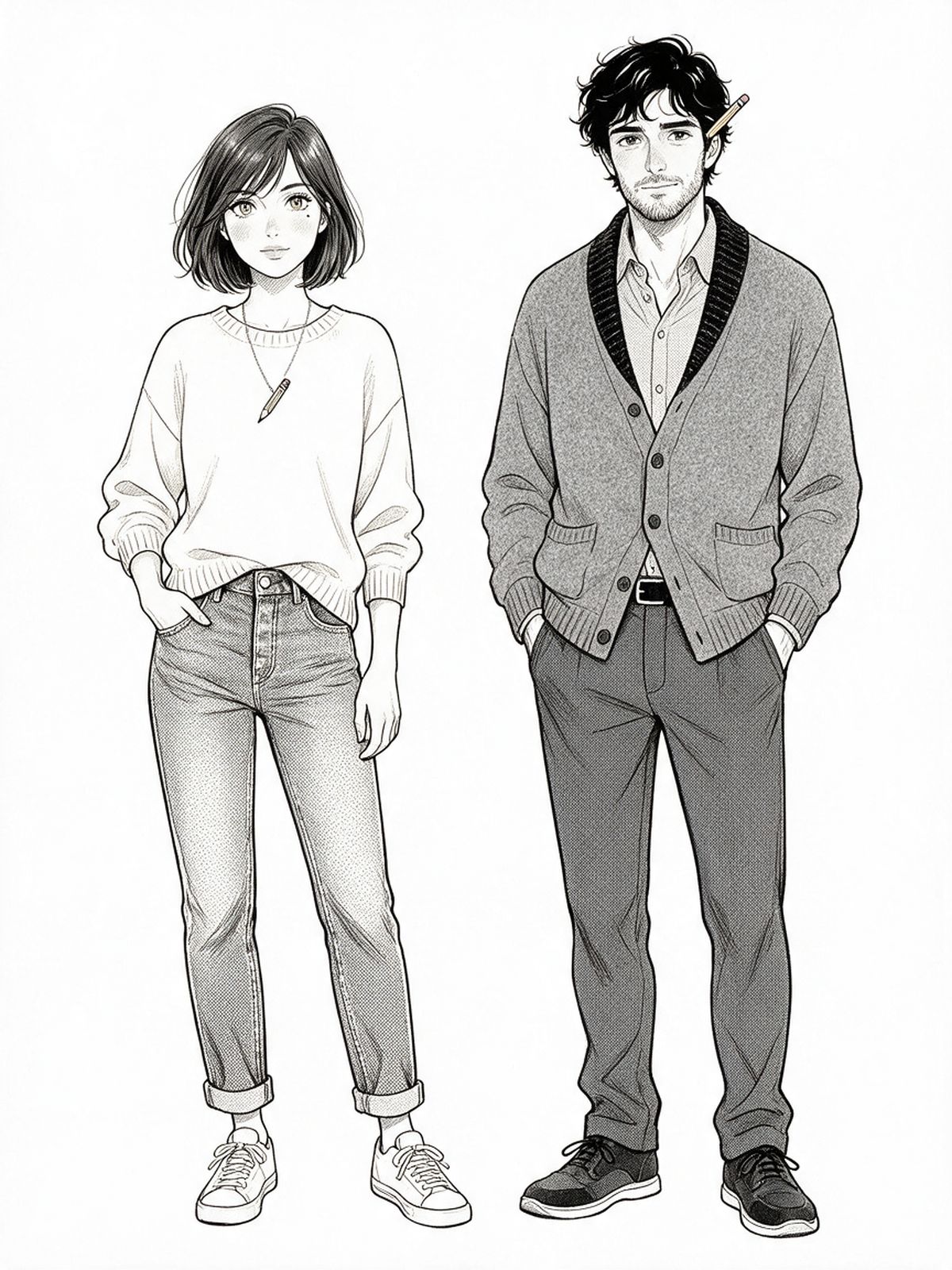
- The character sheet. Drawn once, before the first page, it sets faces, hair and outfits. Describe each character precisely, with one detail that sets them apart: it is what readers recognise at a glance.
- The next episodes. Click “Continue the story” and describe what happens next. The studio writes the new chapter from the story so far, with the same characters, the same sheet and the same visual direction.
- The collected edition. When a season is done, the bound edition gathers every chapter in one PDF, with a cover drawn by the AI, a contents page and numbered chapters.
How to post your pages
Each page downloads as a portrait PNG, and each chapter as a PDF. A few ways to share them:
- On a webtoon platform that takes creator uploads, upload the pages of an episode one after another, in order: stacked vertically, they read as a scroll with a break between pages. Check the platform’s rules on AI-assisted work before posting, and say that the art is AI-generated.
- On social media, post one page per image, as a carousel or a thread; a portrait page fills a phone screen.
- For friends, or to pitch your series, send the chapter PDF or the bound edition.
Ai-Koma claims no rights over your pages and never publishes them itself: whether and where you share them is your call.
What a webtoon episode costs
One credit is one euro cent. A four-page episode costs about 140 credits (€1.40), an eight-page one 240 credits (€2.40). The 50 credits you get on sign-up pay for a first page. After that, packs at €5, €15 or €40, or a €12 monthly subscription for 1,800 credits, enough for seven eight-page episodes. Credits don’t expire, and no subscription is required.
Good to know
- Pages read left to right and top to bottom. Bubbles and panels follow that order.
- The lettering is drawn by the AI. Check every bubble: a word can come out misspelt. “Fix a bubble” reletters it for free, without touching the drawing; “Redraw this page” draws the page again from the same text.
- Each page takes three to six minutes, after a storyboard of two to four. You can close the tab while it draws.
To see the studio’s colour pages and the stories behind them, visit the gallery. For manga-style series in black and white, see the AI manga generator. Ready for episode one? Write it in the studio.
Frequently asked questions
Can Ai-Koma make a vertical scrolling webtoon?
Not as one continuous strip. It draws portrait pages with 3, 4 or 6 bordered panels. With three panels per page, the panels are wide and stacked, and pages uploaded one after another read as a scroll with a break between them.
Which settings should I choose for a webtoon?
The Modern webtoon style, in colour, with three panels per page and four to eight pages per episode. For romance or slice of life, Romantic shōjo and Slice of life are good alternatives.
Can I make a webtoon with AI for free?
Not entirely, and we would rather say so: the 50 credits you get on sign-up pay for a first page, storyboard included. After that, a four-page episode costs €1.40.
Do the characters stay the same from one episode to the next?
That is the job of the character sheet, drawn once before the first page and reused for every page, including in later chapters. The more precise your description, the better it holds.
What language is my webtoon lettered in?
The language of the site: English here, French on the French version. The dialogue is lettered directly into the image, so read it through before posting.
Can I post my AI webtoon online?
Yes. Ai-Koma claims no rights over your pages and never publishes them. Each platform has its own rules on AI-generated art, so check them first and label your series as AI-assisted.